
THE HOTWEBGAMES FIELD GUIDE CONSOLE GAMING
GTA 6: how to play,
missions & beginner tips.
Your starting point for Grand Theft Auto VI: get set up, understand the opening missions and find your feet in Leonida.

START HERE
GTA 6 at a glance
Looking for how to play GTA 6? Start with the supported console version. Rockstar lists PlayStation 5 and Xbox Series X|S, with a release date of 19 November 2026. Its support page specifies a midnight-local-time unlock. Official GTA VI site · Regional release information.
- Platforms
- PS5 · Xbox Series X|S
- Setting
- Vice City & Leonida
- Story leads
- Jason & Lucia
- This article
- Setup + opening missions
How to play GTA 6 on PS5 or Xbox Series X|S
Set aside time for installation before planning your first session. The store listing and your console’s download screen are better references for the current file size than a number copied from an old news story.
- Check the platform. Use PS5 or Xbox Series X|S. Match the edition and region to the account you intend to play with.
- Get the game from an authorized source. Use your console’s store or an authorized retailer. Read what the purchase includes before paying, especially whether a boxed product contains a code.
- Install the game and updates. Keep enough free storage for the download and patches. Use a stable connection and wait for any required installation stage to finish.
- Launch from your console library. Sign in to the account that owns the game or has the correct console-sharing entitlement. Follow the game’s startup prompts.
- Set up before starting the story. Adjust brightness for your display, enable readable subtitles and check the control layout shown in your version.
For PS5 download, storage and account instructions, use PlayStation’s GTA VI support page. The installed game’s prompts take precedence over generic button advice.
What about GTA 6 on PC, mobile or an older console?
The official launch-platform list checked for this article names PS5 and Xbox Series X|S. It does not establish a native PC, Android, iOS, PS4 or Xbox One edition. A page advertising a “GTA 6 APK,” “GTA 6 unblocked” or an instant browser download is not proof of an official version. Follow Rockstar’s own platform announcements for changes.
Your first hour: learn before you rush
Give the opening tutorial your attention. Establish a comfortable camera speed, read interaction prompts and practice controlled movement before trying to move quickly. A missed prompt can make a simple objective look like a bug.
Read the objective
Identify the action the game is asking for now. Reaching a location, speaking to a character and collecting an item are different tasks.
Drive deliberately
Brake before a corner and leave room around other vehicles. Repeated crashes usually cost more time than a careful approach.
Keep a save habit
Use separate manual saves when available. Keep one from before a major story transition instead of overwriting every slot.
Keep the screen readable
Use subtitles and a comfortable HUD size where your version offers them. Sit close enough to read a prompt without guessing.
MISSION RESEARCH
GTA 6 opening mission guide
The following summaries are researched from published walkthroughs, with a source for each mission. HotWebGames has not independently playtested them. These are opening-mission notes, not a claim that every GTA 6 mission, branch or ending has been covered. Expand a mission only if you want early-story details.
PrologueOpening tutorial · story spoilers
VGC describes an opening sequence centered on Lucia, followed by a flashback. Begin by exploring the cell and using the conversation prompt, then follow the guard to the office. Treat this as a chance to learn interaction rather than a section to sprint through.
- Follow the marked interactions in prison and continue into the flashback.
- Use the on-screen teller prompts, collect the cash and respond to the interruption.
- Follow the escape sequence, learning the jump and climb prompts as they appear.
- If you evade the initial pursuit, continue toward the next objective rather than assuming the sequence is over.
The walkthrough describes more than one route through the pursuit, leading back into the story. Do not reload repeatedly just because your path differs from a video.
Research: VGC’s Prologue walkthrough.
Gone FishingEarly Chapter 1 · traversal and rescue
PowerPyx describes Jason following a plane by boat, collecting its dropped packages, then investigating a camp and rescuing Donnie.
- Follow the aircraft and reduce speed near each collection point so the pickup can register.
- Use the indicated observation tool when the route leads to the meeting.
- Enter the camp, locate the shack and free Donnie. Choose your approach carefully instead of rushing into every encounter.
- Follow the escape objectives to the seaplane and fly to the marked marina. Slow down for the water landing.
Check the objective again after each pickup or rescue interaction. A waypoint may change before you expect it.
Research: PowerPyx’s Gone Fishing walkthrough.
Gear UpEarly Chapter 1 · equipment tutorial
The mission is also labeled “Pick Up Another Gun.” PowerPyx places it at the local Ammu-Nation after the previous mission.
- Travel to the marked shop and interact with the clerk.
- Select an available longarm within your budget, following the purchase prompts.
- Be ready for the encounter outside. Recheck the objective or incoming call afterward to confirm progression.
The source reports multiple outcomes that still allow the story to continue. Avoid spending time hunting for an imaginary perfect-result medal.
Research: PowerPyx’s Gear Up walkthrough.
Lab FeesEarly Chapter 1 · collection and delivery
This job may appear as “Collect Brian’s Rent.” According to PowerPyx, the initial location is a shop and the mission continues as a collection-and-delivery task.
- Approach the marked property. If access is blocked, check the phone objective and contact Brian.
- Talk to the clerk and follow the mission’s next interaction. Read the in-game clue for the back-room keypad.
- Collect the required goods, call Brian when prompted and follow the updated destination.
- At the lockup, use the relevant code clue and place the goods in the indicated stash.
Use the clues shown in your game rather than trying random numbers. The walkthrough notes that payment is delivered later through the mailbox, so an immediate cash balance change is not the only sign of completion.
Research: PowerPyx’s Lab Fees walkthrough.
Story progression, side missions and your save plan
PowerPyx organizes the campaign into a prologue and five chapters. Its index distinguishes main-story jobs, optional missions and smaller tasks. Some side jobs are time-sensitive; check the map’s indicators before advancing the story. The source also reports no mission-replay menu, making separate chapter saves useful. Story and mission reference.
| Stage | Your priority | Useful habit |
|---|---|---|
| Opening | Finish the tutorial and understand the current objective. | Learn prompts before changing your setup. |
| Early chapters | Build familiarity with travel, equipment and mission markers. | Read optional-task indicators when they appear. |
| Mid-story | Separate required jobs from optional exploration. | Keep a save before a major change of location. |
| Late story | Follow the current chain without relying on an old objective. | Keep an earlier save alongside your newest one. |
| Completion cleanup | Use a dedicated checklist for the activity you are pursuing. | Distinguish story completion from a 100% target. |
This roadmap is our planning advice, not a list of mandatory actions in each chapter. We avoid a supposedly definitive mission total here because walkthrough indexes can count optional jobs and smaller tasks differently.
GTA 6 beginner tips that make a difference
- Make one adjustment at a time. If the camera feels uncomfortable, change sensitivity gradually and test it before also changing several other settings.
- Read before spending. Check an item’s description and the next mission’s requirements. Keep some flexibility instead of buying everything you see.
- Look past the nearest turn. Watch the road ahead while driving. A stable approach is easier to recover from than a last-second correction.
- Check what actually failed. On a retry, identify whether you missed a location, an interaction or a timing prompt. Change that step instead of repeating the whole approach blindly.
- Separate exploration from completion. Choose whether this session is for story, sightseeing or a specific collectible. That keeps a large map from becoming a list of distractions.
- Keep spoiler control. Search for the exact mission you are on rather than opening a late-game video compilation. Stop reading when the help you need is complete.
GTA 6 not launching or downloading?
First distinguish an account or installation problem from an in-game objective problem. The right support route depends on where you are stuck.
- Download will not start: check the purchasing account, available storage, connection and download queue.
- Game will not open: confirm the installation and required updates have finished, then consult the console platform’s launch support.
- Unexpected input: inspect the control configuration and confirm the controller is connected to the intended user.
- Mission appears stuck: reread the active objective and check whether a conversation or phone interaction is pending. Record the exact mission label and game version before looking for a fix.
Use PlayStation support for PS5 ownership and download issues and Rockstar Support for gameplay bugs. Avoid deleting a save as a first troubleshooting step.
GTA 6 FAQ
How do I play GTA 6?
Use a supported PlayStation 5 or Xbox Series X|S console, obtain the game through an authorized retailer or the console store, install it and any required updates, then launch it from your library.
Can I play GTA 6 free in a browser on HotWebGames?
No. This is an independent editorial guide, not a playable browser version. HotWebGames does not host GTA 6 or offer a free GTA 6 download.
Is GTA 6 available on PS4 or Xbox One?
The official launch platforms are PlayStation 5 and Xbox Series X|S. Do not assume that PS4 or Xbox One listings are supported versions.
Can I download GTA 6 on PC or Android?
The official sources checked for this guide list PS5 and Xbox Series X|S. They do not establish a native PC or Android release. Check Rockstar for later platform announcements; an unofficial APK is not evidence of an official release.
Does this page contain the complete GTA 6 mission walkthrough?
It includes a researched opening-mission guide and an overview of story progression, with links to detailed walkthrough resources. It does not claim to document every objective or ending, and HotWebGames has not independently playtested these missions.
Can I replay missions or miss side activities?
PowerPyx reports that completed missions cannot be replayed through a mission-replay menu and that some optional activities are time-sensitive. Keep separate manual saves, especially before chapter transitions, and check your current game version.
Sources & editorial notes
Research checked on . Official sources establish platforms and launch information; the attributed independent walkthroughs support the mission summaries. Details can change with updates. This article does not claim firsthand gameplay testing or official endorsement.
- Rockstar Games: Grand Theft Auto VI — platforms, setting and story premise.
- Rockstar Support: regional release times — launch date and local unlock.
- PlayStation: GTA VI support — PS5 installation and troubleshooting.
- VGC: Prologue walkthrough — opening mission research.
- PowerPyx: Gone Fishing, Gear Up and Lab Fees — early mission research.
- PowerPyx: full mission walkthrough index — chapter organization and progression notes.
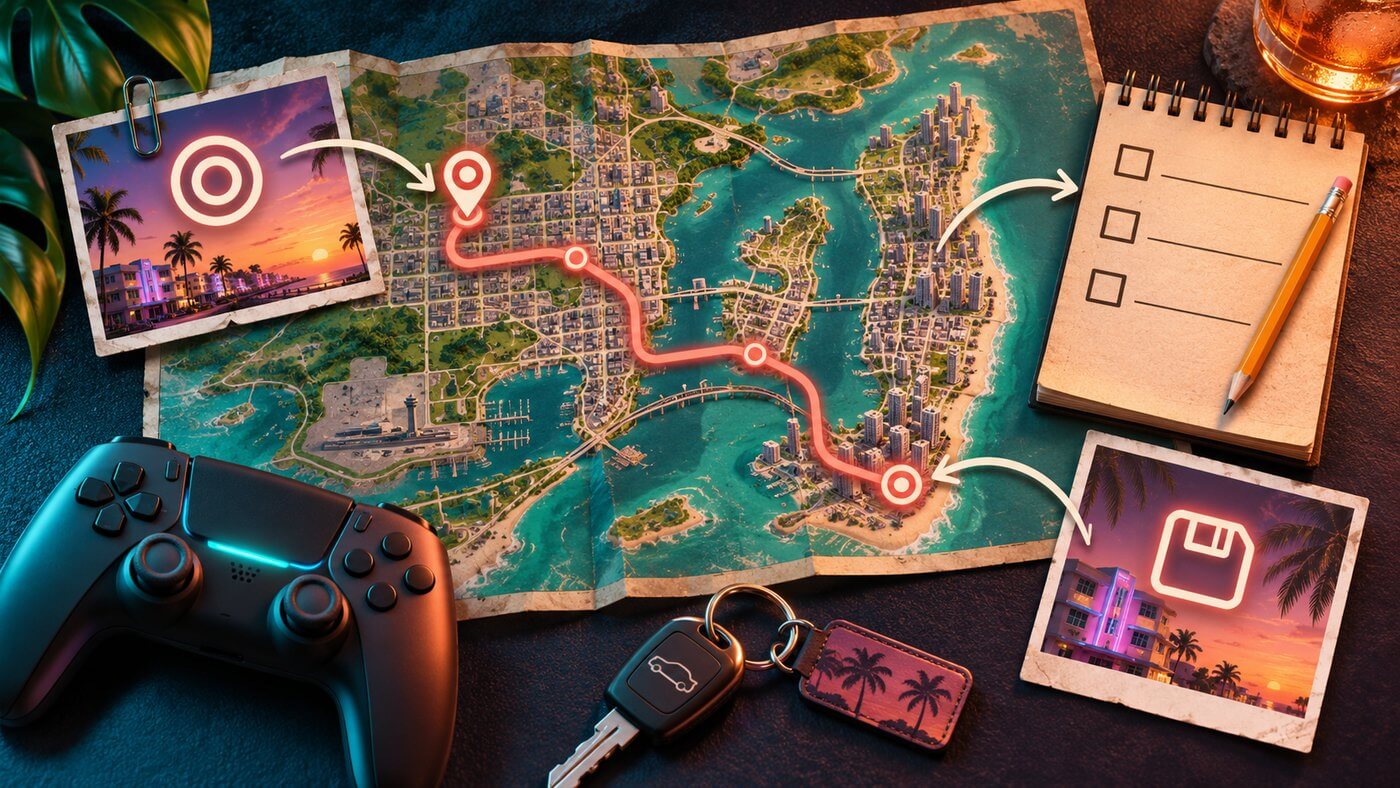
Images are original AI-generated editorial illustrations, not game captures, official key art or a depiction of the actual game map. GTA and Grand Theft Auto are trademarks of their respective owners.