
THE HOTWEBGAMES FIELD GUIDE Puzzle
Block Blast: how to play,
tips & strategy.
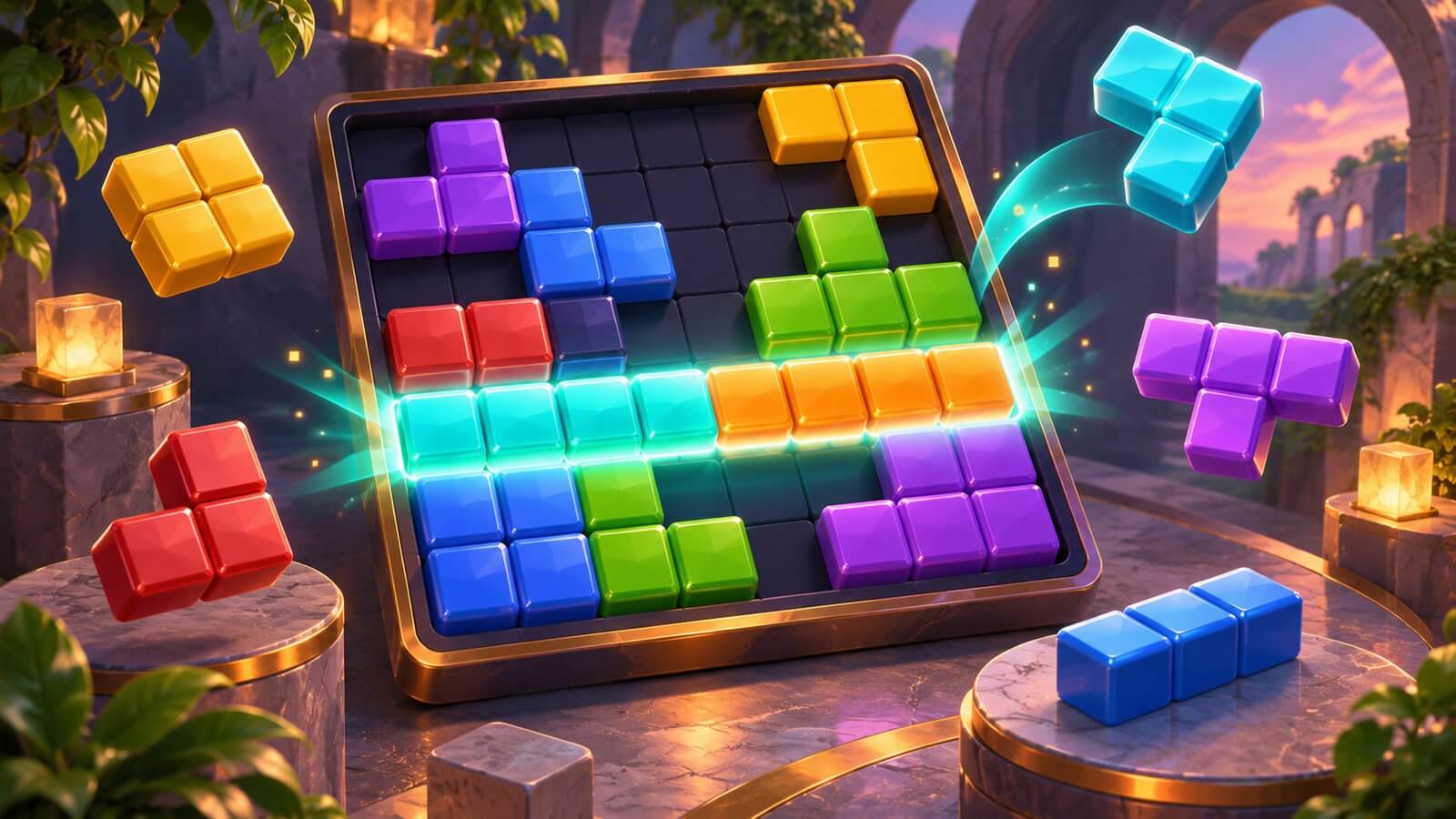
Block Blast is a placement puzzle in which you drag available shapes onto a board and complete rows or columns to clear space.
START HERE
What to expect in Block Blast
Block Blast is a placement puzzle in which you drag available shapes onto a board and complete rows or columns to clear space. The linked description emphasizes planning rather than a countdown. Board size, scoring bonuses and available modes should be checked in the version you open.
- Game
- Block Blast
- Category
- Puzzle
- Focus
- Spatial planning
- In this guide
- Controls · Tips · FAQ
Before you start playing
Open Block Blast and check its title screen, objective and control menu. This guide follows the provider description for the linked browser version. It does not claim independent playtesting, identical features to another release, or support for every device.
GET COMFORTABLE
Understand the controls
Use the mouse or touch input to drag a shape from the tray onto an empty area of the board, then release to place it. The listed version does not require WASD movement, jumping or rotating blocks with a keyboard.
Controls and features can vary between browser versions. Follow the loaded game’s own instructions when they differ from this guide.
Block Blast tips & strategy
Focus on one improvement during each attempt. These strategies give you a useful starting point.
Compare every shape
Compare every available shape before placing the easiest one.
Keep room to move
Keep a connected open area for larger pieces instead of leaving many isolated holes.
Avoid trapped spaces
Look for a placement that completes a row and column together, without sacrificing the space needed for the remaining shapes.
Browser optimization & troubleshooting
If Block Blast does not respond, click inside its player and check the pause, sound and control settings. Try a current browser and restart only after checking the game’s save options. If the issue continues, use Report a game problem and include the game URL and what happened.
Block Blast FAQ
Can I rotate every Block Blast shape?
Do not assume rotation is available. Use a rotation control only if the loaded version provides one; otherwise plan around the orientation shown in the tray.
What controls should I use for Block Blast?
Use the mouse or touch input to drag a shape from the tray onto an empty area of the board, then release to place it. The listed version does not require WASD movement, jumping or rotating blocks with a keyboard.
Will my Block Blast progress be saved?
The embedded game controls its own saves. HotWebGames stores portal favourites and sound preferences, but does not guarantee preservation of game worlds, scores, achievements or progress.
About this guide
Written by the HotWebGames Editorial Team. Editorial review based on the linked provider description. Not an independent gameplay test. Updated . This guide covers the browser version linked from our game library; features and controls may differ from other editions.
Provider’s listing for Block Blast · Report a game or guide problem
The hero image is an original AI-generated illustration, not a gameplay capture. Game names and trademarks belong to their respective owners.
KEEP EXPLORING
Your next guide
 Arrow Slide Puzzle: How to Play & TipsArrow Slide Puzzle guide: identify blocked directional tiles, sequence safe removals and use open paths to untangle increasingly crowded boards.
 GTA 6: How to Play & Mission GuideStart GTA 6 on PS5 or Xbox Series X|S with setup advice, opening-mission help, a story roadmap and beginner tips.